

The Power of Connection: Stirista Data, Activated on LiveRamp
Activating your audiences on LiveRamp is more than just a connection–it’s a strategy for maximizing media impact. Our partnership offers a dual set of advantages designed to give you precision and flexibility in a privacy first world. Stirista is not just one of LiveRamp’s longest standing & biggest partners – we’re it’s most consistent & dependable. With dependable data refreshes, and quick turn around time on custom segments, data validated by our own ESP & DSP – it’s no wonder LiveRamp & users trust our expansive offering.
Stop settling for fragmented audiences and slow campaign launches. With Stirista’s premium syndicated audience data available directly on LiveRamp, you get a seamless pathway to unparalleled scale, accuracy and omnichannel reach.
Stirista Audience Solutions Available in LiveRamp Connect:
- Stirista
- 123Push™
- LBDigital
- Lighthouse List – Ameribase Digital
Accessing Stirista data in LiveRamp Connect: connect.liveramp.com
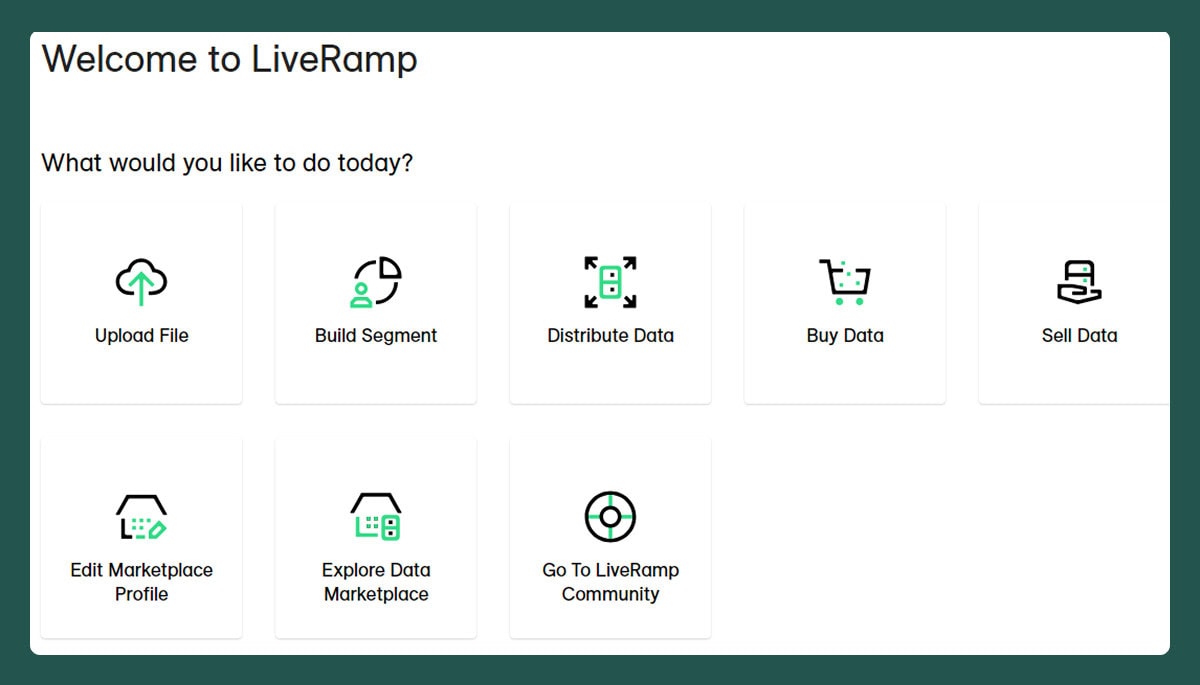
- Select Buy Data from the icons displayed in the middle of the screen, or the link under Marketplace on the navigation page on the left side of the screen.
- The easiest way to access Stirista, 123Push™, LBDigital or Lighthouse List – Ameribase Digital data is to search the Sellers.
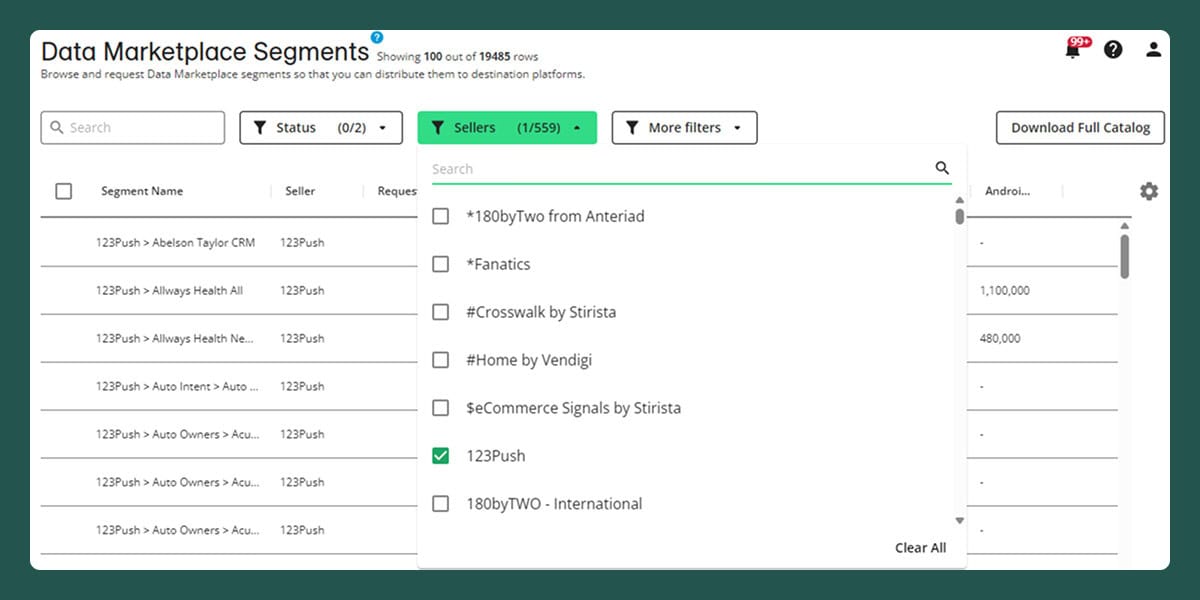
- Use the Search box to find a segment, or scroll through the list until you find the segment you’re interested in.
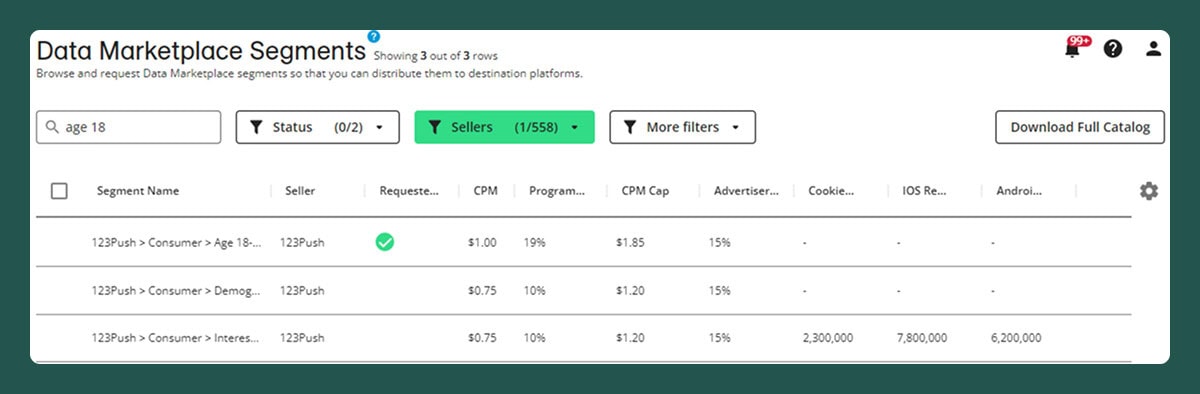
- You can view all available segments by selecting Download Full Catalog, located in the upper right of the screen.
- Once you’ve located the segment, select it, click Request Segments in the bottom right.
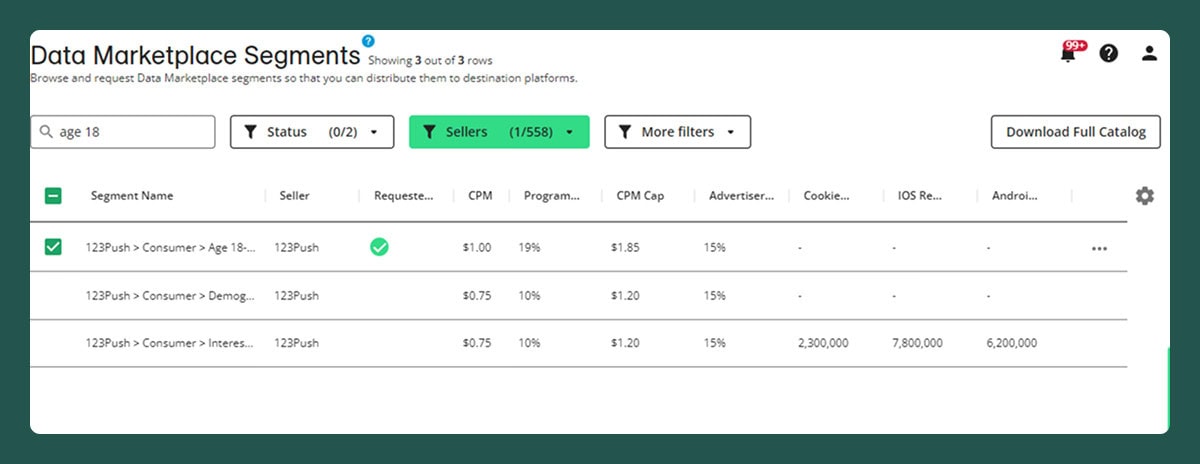
- A confirmation page will present itself for the segments you’ve selected.
- You can Continue Browsing, or go to Setup Distribution.

- Select your Destination Account (DA Tile) and distribute your segment(s)

- Note: Destination Accounts are listed alphabetically
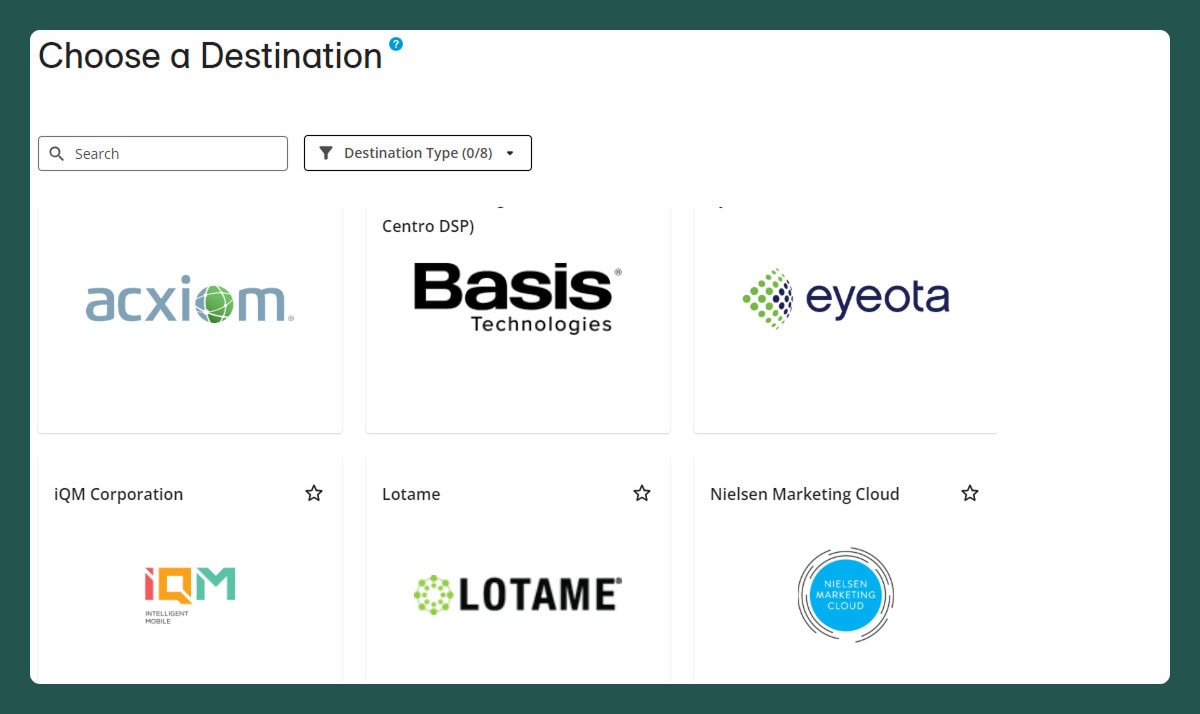
- Destination Accounts are searchable. Once you’ve located the destination, click to Activate and allow the prompts to help you determine the data type, and then select the segment.
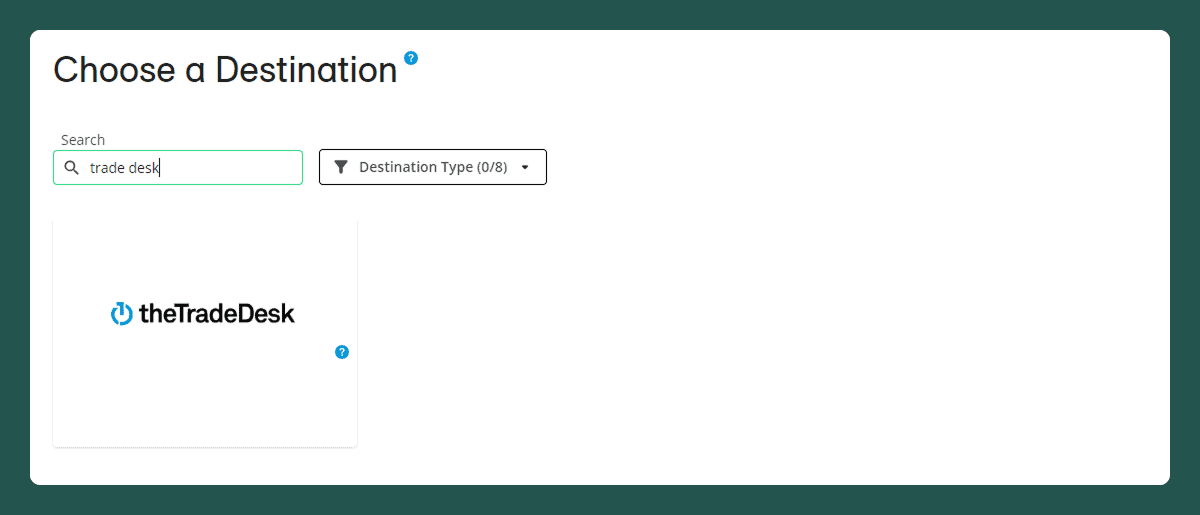
You’re now armed with the ability to use Stirista segments on LiveRamp’s connect.
*** LiveRamp does offer additional services where you can take advantage of Stirista data, ask them about using Stirista, 123Push™, LBDigital and Lighthouse List – Ameribase Digital in clean room environments.
* Be aware that LiveRamp can and will update their UI occasionally. If you find the instructions and visuals to be off, please reach out directly to LiveRamp or to Stirista at [email protected].

